Collect usable employee availability before building the roster
Turn weekly limits, one-off exceptions and preferences into a dated availability record the roster manager can use.

Before you assign next week’s shifts, ask each team member for three separate things: when they cannot work, any one-off exceptions and the shifts they would prefer. Add the dates the information covers. “Weekends are fine” is a starting point for a question, not a finished availability record.
You can collect this on paper, in your existing spreadsheet or through your team’s availability tool. The useful result is the same: a manager knows which times are confirmed, which requests need a decision and what still needs checking.
Separate recurring limits, preferences and dated exceptions
Give each type of information its own field. Don’t make someone squeeze everything into a tick beside “Saturday”.
- Recurring limits: the usual days and times the person can work, including an earliest start and latest finish. Ask them to allow for travel before giving those times. Mark days they cannot work explicitly.
- Dated exceptions: a particular date or period that differs from the usual pattern. Record the hours affected and whether a time-off request still needs a decision.
- Preferences: shifts, roles or a number of shifts the person would like. Keep these separate from times they cannot work and from agreed employment hours.
Ask for the scheduling information, not a private explanation. “Unavailable before 4 pm” is enough for the planning sheet; it does not need someone’s class timetable, medical details or family arrangements. If a request needs a separate adjustment or leave discussion, arrange that privately with the responsible manager. Don’t settle it by labelling it a preference.
A student’s availability before the next roster
Suppose Rowan is an adult student working at a cafe. Manager Dani is collecting availability before drafting the next week. Rowan confirms this pattern for 2 November to 20 December 2026:
- Monday to Thursday: unavailable.
- Friday: available from 4 pm to 10 pm.
- Saturday: available from 8 am to 6 pm.
- Sunday: available from 8 am to 4 pm.
- One exception: unavailable all day on 14 November. Dani records the date separately and checks any related leave request through the cafe’s usual process.
- Preference: three shifts a week, with Sunday mornings preferred.
Dani now has three different inputs. The recurring pattern sets the time windows to consider. The exception removes 14 November from those options for this example. The three-shift preference does not promise three assignments, replace agreed hours or make Rowan available outside those windows.
Set effective dates and ownership
Put a start date and an end or review date beside the weekly pattern. If someone’s timetable changes next month, the roster manager needs to know when to stop relying on the old entry.
Use these fields as a restaurant employee availability form in the document you already use:
- Person and venue: name, work location and the manager receiving the information.
- Usual weekly pattern: each day, earliest start and latest finish; write “unavailable” rather than leaving an ambiguous blank.
- Effective period: first date this pattern applies, plus an end date or a date to check it again.
- One-off exceptions: exact dates and affected hours, with any separate request marked pending or decided.
- Preferences: preferred shifts, roles or shift count, clearly labelled as requests rather than guarantees.
- Confirmation: when the person checked the record and anything they still need to clarify.
- Manager follow-up: who will resolve an open question, by when and where the current record is kept.
For Rowan, Dani would record “review before planning shifts after 20 December”. The next manager should not quietly carry the study-period pattern into the holiday weeks.
Give staff a named contact and a practical reply time before you start drafting. For example: “Please check your availability for the week starting 9 November and send corrections to Dani by 3 pm on 5 November, cafe local time. If you cannot confirm it then, tell Dani what is still uncertain.” Arrange time during work to complete a required check; don’t build the plan around an immediate off-duty reply.
If one manager handles hiring, onboarding and the roster, they can own this record too. If those jobs sit with different people, tell the roster manager where to find the confirmed availability. Don’t make them reconstruct it from an old hiring conversation.
Check conflicting or incomplete inputs
Read the record back before using it. Ask one specific question for each gap:
- “After class” has no time: “What is the earliest time you can arrive ready to work?”
- A blank Sunday: “Are you unavailable, or have you not confirmed Sunday yet?”
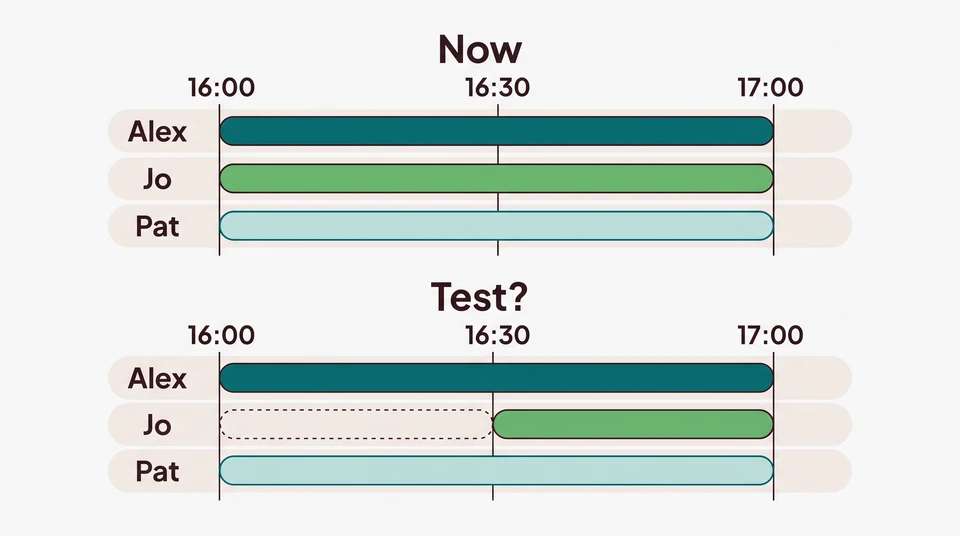
- An exception inside a usual time window: “Does 14 November replace your normal Saturday availability for that whole day?”
- A preference that conflicts with a limit: “You prefer Sunday mornings, but your entry starts at noon. Which should I use?”
- No reply: mark the affected period “unconfirmed” and contact the person. Silence is not permission to assign any shift.
Keep the original entry and the dated correction together so another manager can see which one to use. If you cannot settle a question before drafting, leave that assignment open and name the person following up. Don’t turn uncertainty into a staff commitment just to finish the grid.
Keep availability separate from employment arrangements
For Australian employees covered by the Restaurant Industry Award, Fair Work says part-time written agreements include guaranteed hours and the days and times the employee is available. A planning form is not a replacement for that agreement. Check the award or agreement that actually covers your venue and worker before changing their arrangements. Fair Work’s restaurant and cafe guidance
For US venues, the federal FLSA does not set a general scheduling-notice requirement, but that is not the whole check. Review applicable state and local rules and employment agreements before changing hours. Oregon, for example, has predictive-scheduling requirements for covered large retail, hospitality and food-service employers; they are not a rule for every independent cafe. US Department of Labor · Oregon coverage and requirements
Carry confirmed information into roster planning
For Rowan, Dani carries forward the effective period, confirmed weekly windows, the 14 November exception and the separate preferences. Dani does not copy private reasons into the shared schedule.
Check the full proposed shift against the time window, including setup and closing. A Friday shift finishing at 10:30 pm would run beyond Rowan’s 10 pm limit. A Sunday preference does not establish that Rowan can open the coffee station alone: Dani still checks onboarding and training readiness before choosing the role.
Once the inputs are clear, use them to build the roster around the work that needs covering. If a change affects a schedule already sent to staff, use a separate published-roster change process rather than treating it as an intake correction.
Start simply, then keep the team context together
You can sketch assignments in the free schedule maker. It is a manual editor saved in your browser, with no account or email needed to start. Collect availability separately; the public tool is not an AI generator or a shared cloud workspace.
For team planning, explore CrewCentral employee availability. Recurring availability and role preferences can stay attached to worker profiles for managers to review before assigning shifts. The account-based workspace connects hiring, onboarding, training and scheduling; AI roster drafts still need manager review and adjustment.
Before opening the roster, finish one check: can the next manager tell which times are confirmed, which preferences are optional and who owns every unanswered question?