Handle availability changes after the roster is published
A student’s new Wednesday class needs two decisions: cover for the published shift and availability for future weeks. Work through both with a clear manager follow-up.
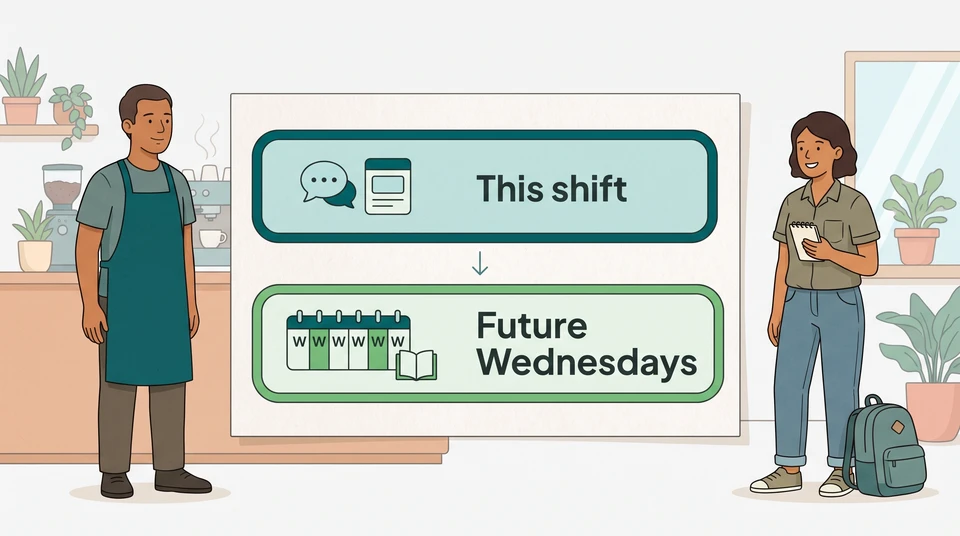
When someone gives you a new availability constraint, make two decisions: what happens to the shift already on the roster, and what changes for future weeks. Record both. Don’t leave the worker or the shift lead guessing which one you’ve settled.
For example, a student’s new Wednesday class might clash with a published shift as well as the next few weeks. Updating the recurring availability is one task. Arranging this Wednesday’s coverage is another.
Clarify the affected dates
Ask the team member for the first affected date, the hours they cannot work and whether the change repeats. Include travel time if it affects when they can arrive or leave. You need the scheduling constraint, not their whole personal timetable.
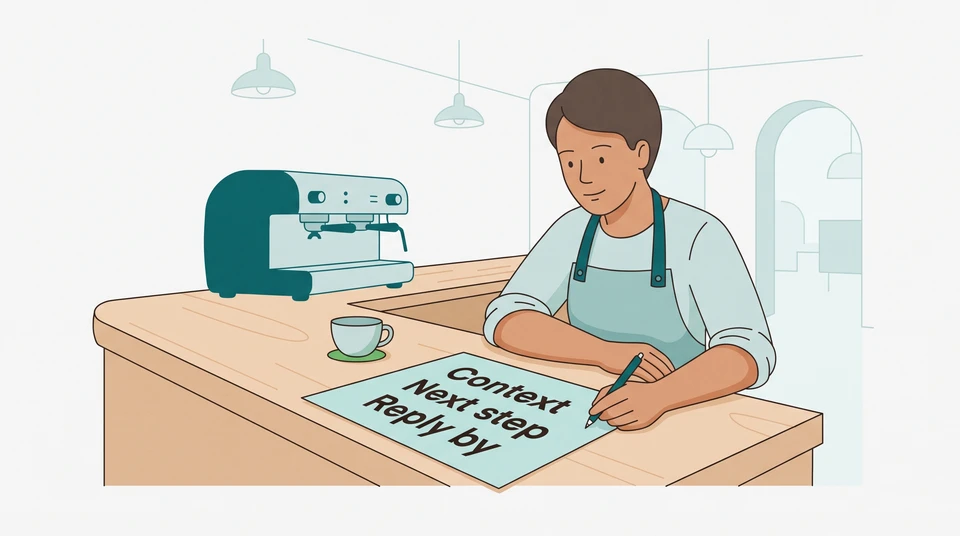
Write down:
- The published shifts that clash, with dates, start and finish times, and roles.
- The new unavailable period and its start date.
- Whether it is a one-off or recurring change, and an end or review date if known.
- Who is handling the immediate shift and when they will follow up.
Keep a preference separate from a time the person says they cannot work. Ask if you’re unsure: “Would you prefer not to work Wednesday afternoons, or are you unavailable then?”
A Wednesday class and a published cafe shift
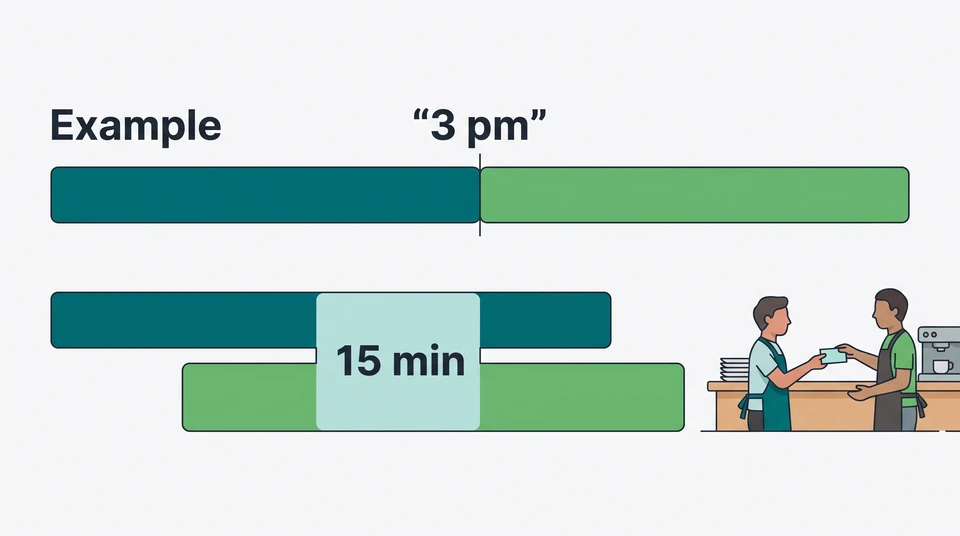
Suppose a cafe team member, Sam, is starting a Wednesday class in October 2026. Sam tells manager Jo that, including travel, they will be unavailable from 2 pm to 6 pm every Wednesday from 21 October through 16 December. The roster already assigns Sam to the floor from noon to 6 pm on Wednesday 21 October.
Jo notes two open decisions:
- Find a workable arrangement for the published 21 October shift.
- Discuss future Wednesday shifts from 28 October, using Sam’s new availability and the employment terms that apply.
Sam’s message explains the conflict. It does not, by itself, tell the shift lead who will cover the floor.
Separate immediate and future changes
Reply with what you’ve understood and what you still need to resolve. For the example above, Jo could say:
Thanks, Sam. I’ve noted that you’re unavailable from 2 pm to 6 pm on Wednesdays, starting 21 October. I’m checking cover for your published noon-to-6 pm shift on the 21st. Let’s also discuss your shifts for the following weeks. I’ll speak with you during today’s shift about the options.
Keep the current shift marked as unresolved in your working notes until there is a clear outcome. Don’t silently remove it or treat a future availability entry as the whole response. If the shift is imminent and the person cannot attend, deal with that immediate situation rather than waiting for the next roster cycle.
Before changing anyone’s hours, check the employment requirements that apply. A coverage problem is not permission to bypass consultation, required agreement or other employee rights.
For Australian venues
For employees in Australia’s national workplace system, Fair Work explains that a proposed change to a regular roster or ordinary hours must be discussed with affected employees first. Explain the proposed change and when it would happen, invite their views and consider the impact. See Fair Work’s roster guidance.
Check the applicable award or registered agreement for additional roster rules. Fair Work’s consultation guide makes an important distinction: consultation does not override an award requirement for employee consent. Don’t treat a conversation, or a reply confirming receipt, as permission to make any change you choose.
Start with award coverage, not the assumption that every cafe, restaurant or bar has the same rules. Check hours, breaks and overtime before offering a replacement arrangement, using Fair Work’s hours and rosters guidance. There isn’t one notice period to apply to every venue and employee. If the terms or coverage are unclear, get advice before finalising the change.
For US venues
Use “schedule” for the same practical distinction, but check US requirements separately. The federal FLSA scheduling guidance does not set a general advance-notice rule; it notes child-labor provisions and prior agreements. State and local scheduling laws can add requirements, with coverage that varies, as the Department of Labor’s scheduling-law overview explains. Check the laws and employment agreements that cover your venue rather than carrying Australian rules across.
Evaluate coverage options
Check the immediate shift first. Compare a replacement for the whole shift, a change to part of it, or a swap. For each option, ask:
- Is the person actually available for the whole proposed time?
- Can they cover the role and the work expected during that service?
- What happens to breaks, hours and any other shifts affected?
- What consultation, agreement, notice or pay requirements apply?
Don’t count a new starter as ready just because their name is on the team list. Check their onboarding and training progress with the shift lead before relying on them for an unfamiliar station.
In the cafe example, suppose Alex is available and already trained for the floor shift. After Jo checks the applicable terms and discusses the arrangement with both people, they agree that Alex will cover noon to 6 pm on 21 October. Jo records that specific outcome. The separate conversation about Sam’s future shifts still needs to happen; covering one shift does not settle ongoing hours.
If nobody suitable can cover, tell the owner or duty manager what remains uncovered and ask them to decide how to staff or adjust the service. Don’t put an unconfirmed name into the final roster.
Confirm the final version with affected staff
Once the arrangement is settled, update the roster you use for service and tell each affected person exactly what changed. Include the date, role, start and finish times, and where to find the current version. Ask them to acknowledge receipt during their working time; follow up if someone’s understanding differs. Receipt is not a substitute for any required agreement.
For this example, Jo’s closing note would record:
- 21 October: Alex covers the floor, noon to 6 pm; Sam is no longer assigned that shift.
- Future Wednesdays: Sam’s 2 pm–6 pm unavailability runs through 16 December; Jo will discuss the remaining available hours and any changes needed before preparing the next roster.
- Service handover: The shift lead uses the updated roster, not the earlier copy.
Keep Sam’s class details out of the wider team message. Alex and the shift lead need the coverage arrangement, not Sam’s personal timetable.
Keep availability beside the next roster
If you’re working from a simple weekly plan, try the free schedule maker. It is manual, saves in your browser and needs no account or email to start. It is not an AI generator or a shared cloud workspace.
For team planning, CrewCentral employee availability keeps recurring availability and role preferences attached to worker profiles for managers to review before assigning shifts. Hiring, onboarding, training and scheduling sit together; AI roster drafts still need manager review and adjustment before publishing.
Whichever tool you use, finish with two clear records: the outcome for the published shift and the availability to use for future planning.