Cover floor and kitchen
Set up front-of-house and back-of-house positions in the same weekly plan. Review the people assigned to each role before service begins.
Lunch prep, a full dining room, and the last kitchen close all need different people. CrewCentral helps you build a restaurant roster around roles, availability, and skills, then connects that plan to hiring, onboarding, and training.
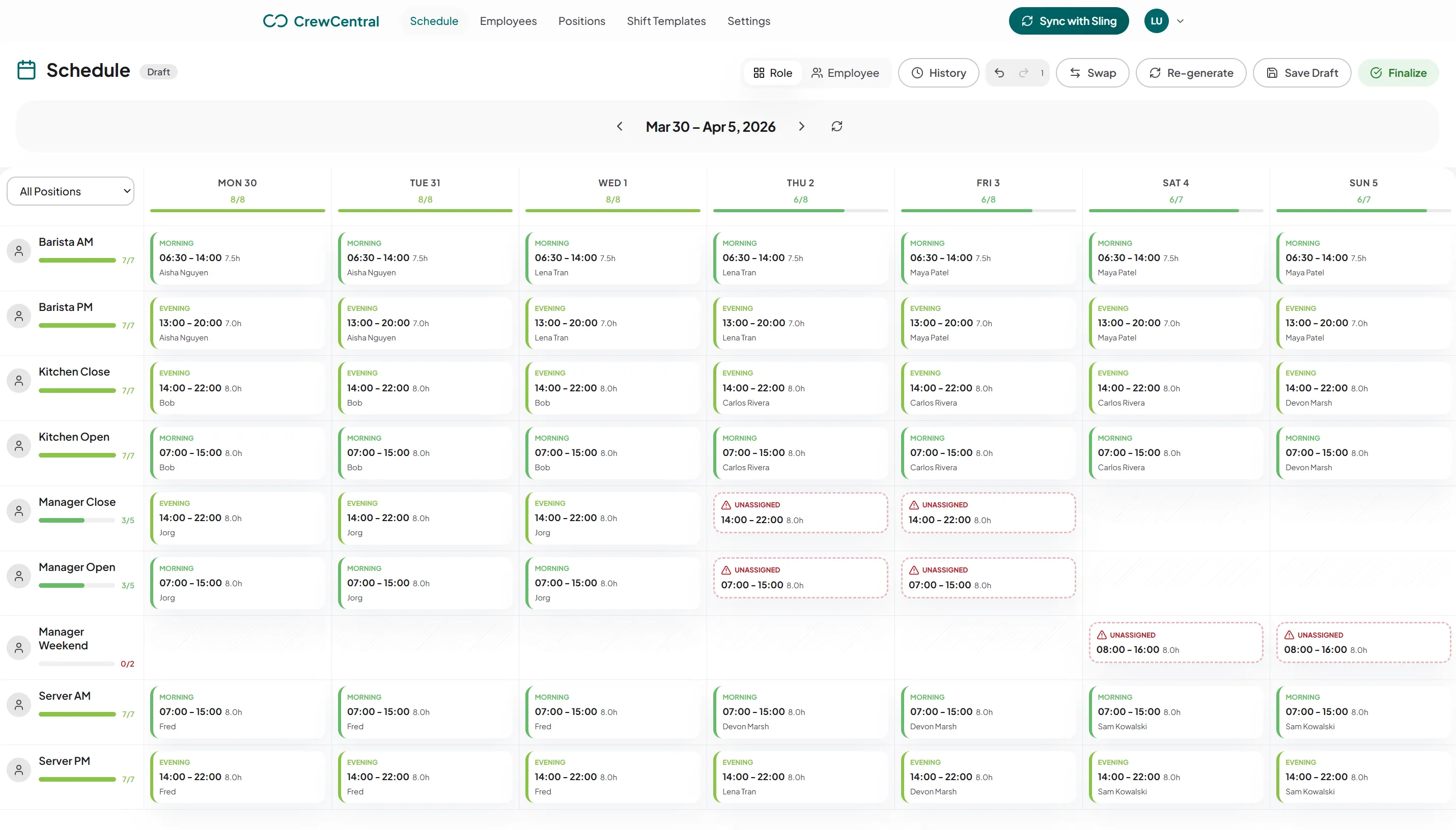
Six people on the dinner shift does not tell you whether the pass, floor, and host stand are ready. Restaurant managers need to see coverage by position as well as by person. Add student timetables, leave requests, and new starters, and a spreadsheet becomes a lot of checking before every service.
Set up front-of-house and back-of-house positions in the same weekly plan. Review the people assigned to each role before service begins.
Use availability and time off when preparing a draft, so the lunch roster does not depend on someone who can only work evenings.
Keep role skills and training progress close to scheduling. Check who is ready to run a station and who still needs support.
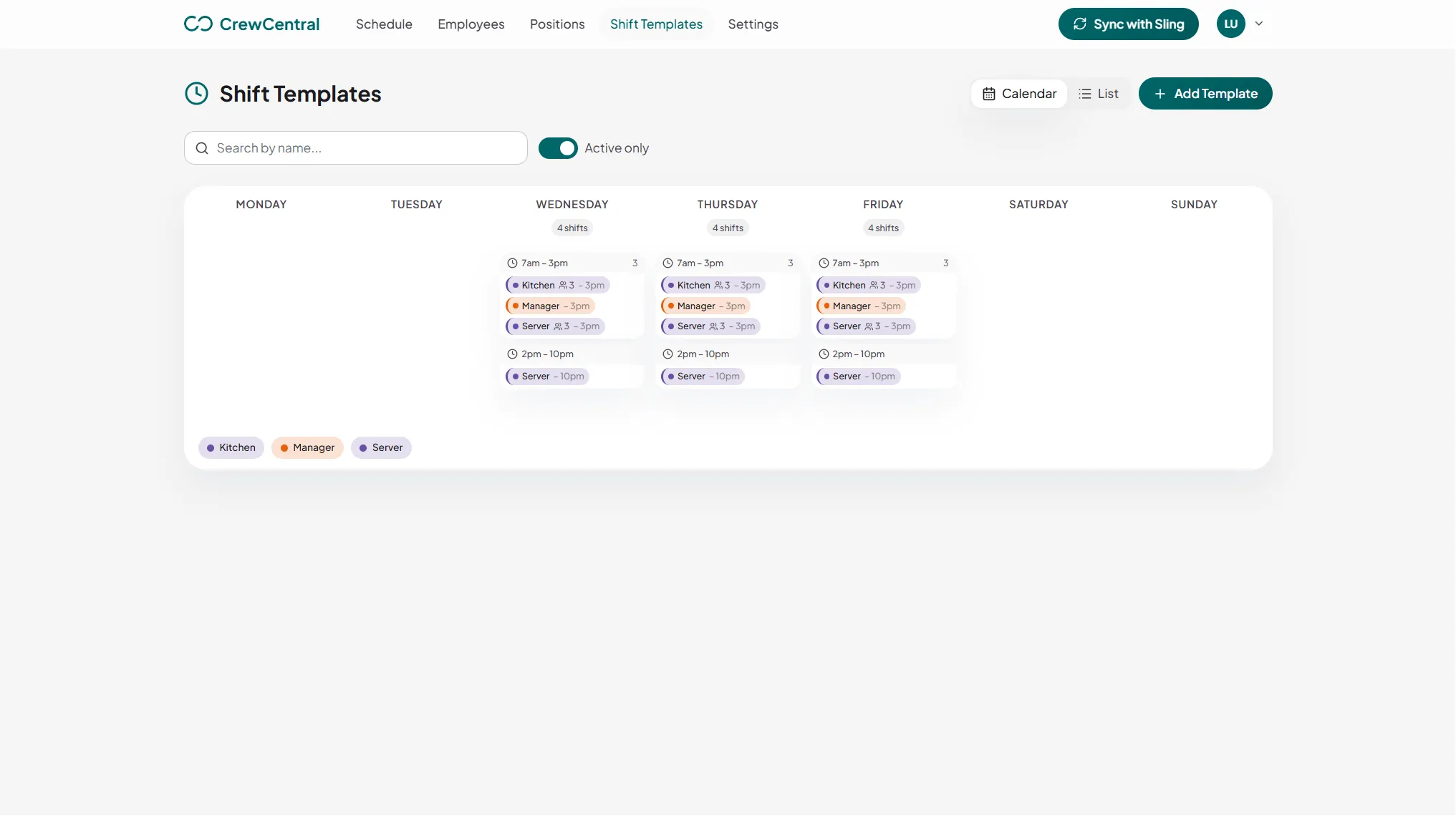
Start with the work your restaurant needs to cover. Create reusable shift templates for prep, lunch service, dinner, and closing, with the positions and times that suit your venue. Adjust the draft for a busy Saturday or a quieter midweek service.
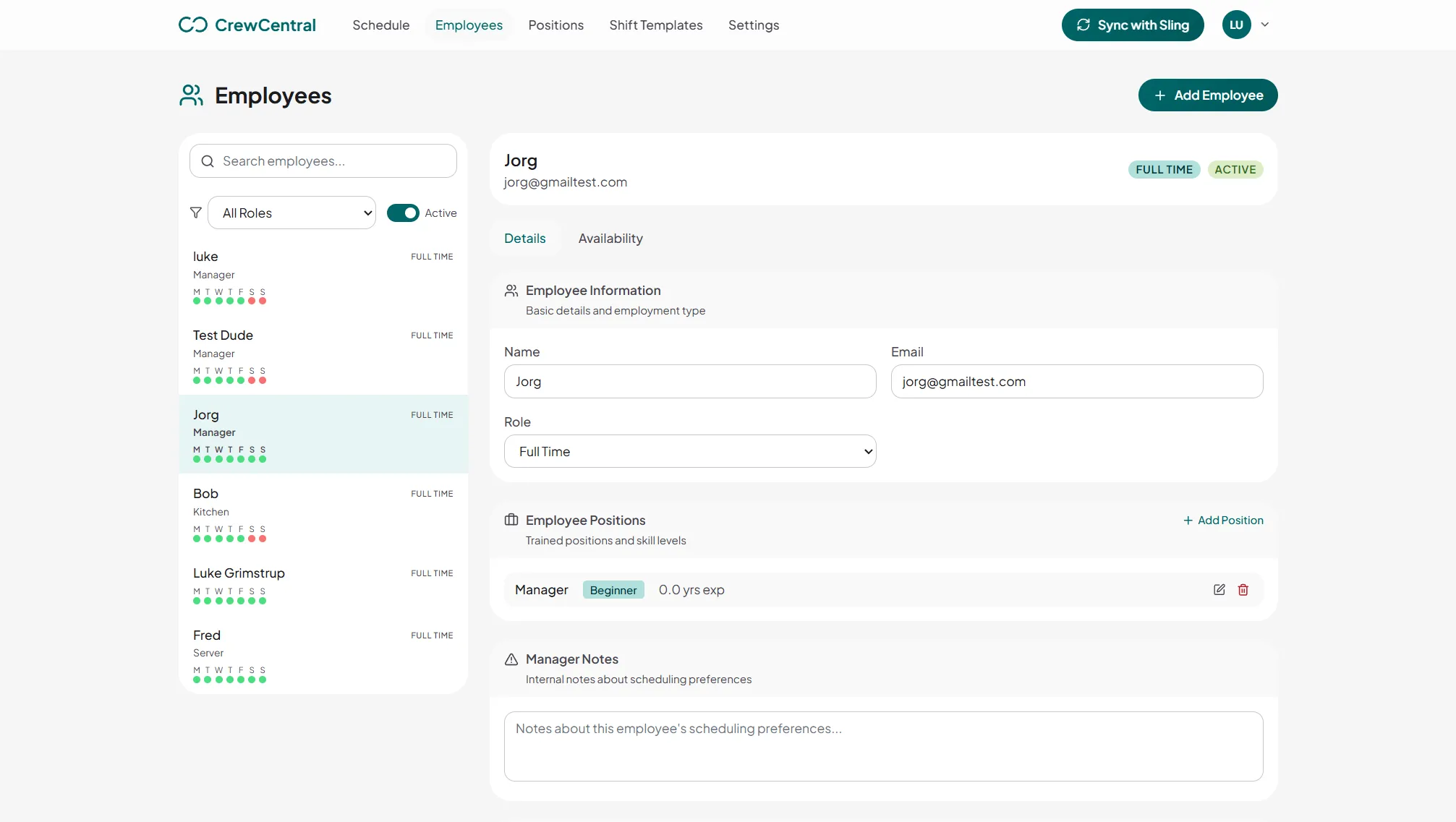
An available team member may still be learning the role. Keep employee positions, experience, and availability together, and track role-based training steps. Managers can use that context to decide where a new starter fits in the next service.
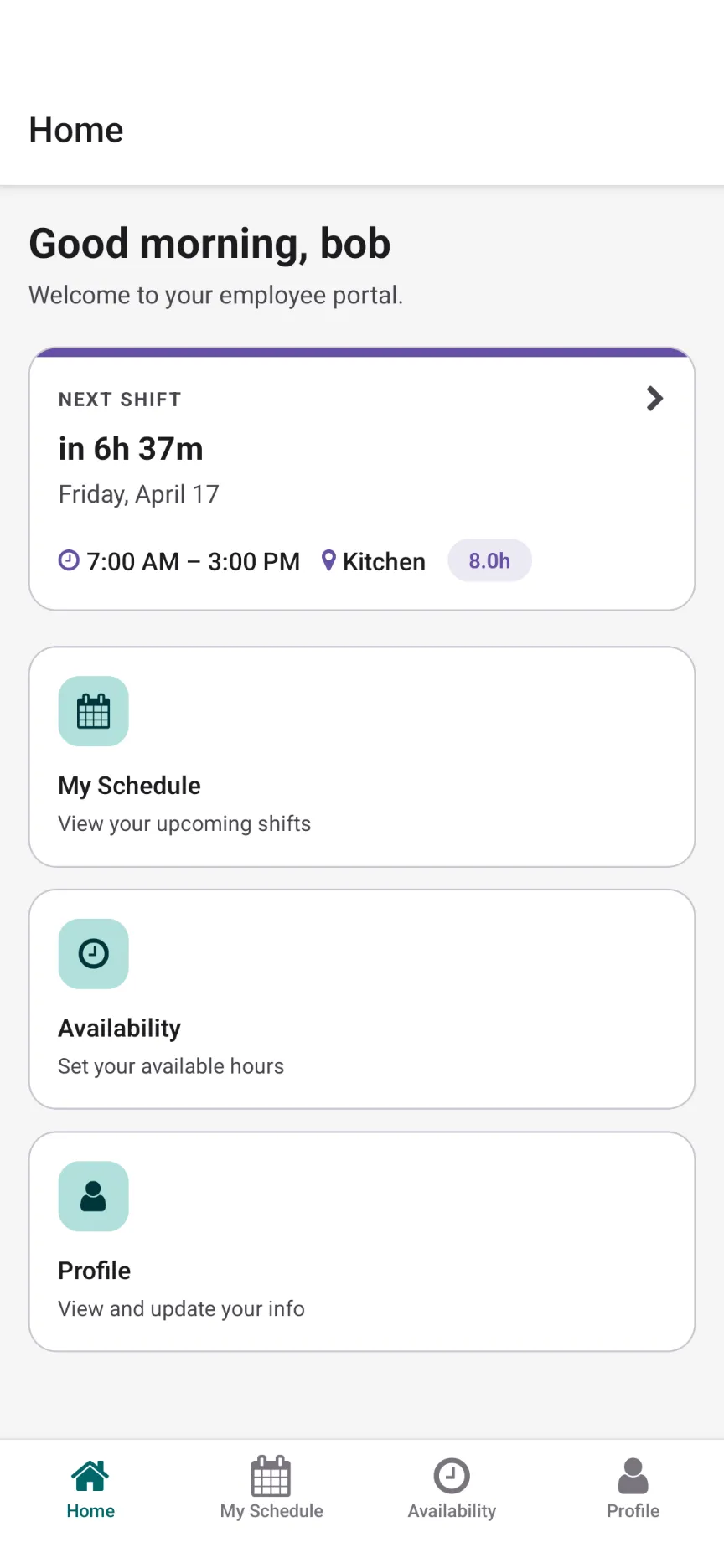
Publish the week for staff to view in their account and mobile app. Employees can update availability, and managers can review eligible shift claims, swaps, and cover requests. Track clock-ins, clock-outs, breaks, and worked hours as service happens.
CrewCentral connects hiring, onboarding, training, and scheduling around the same team. Keep useful details with the person as they move into the work.
Organize candidates around the server, kitchen, or manager roles you need to fill, with experience details available during review.
Explore hiring →OnboardingCarry candidate details into onboarding and set clear tasks before the first shift, with progress managers can see.
Explore onboarding →TrainingDefine training steps by role and review progress before assigning someone to cover a station on their own.
Explore training →Add your people and the positions your venue uses. Define prep, service, and closing templates rather than starting with an empty week.
Build around availability and role skills. Check FOH and BOH coverage, unfilled positions, and planned hours, then make your changes.
Share the finished roster with staff. Review cover requests and check-ins while keeping the next week’s hiring and training needs in view.
Yes. Set up your restaurant’s positions, such as server, host, kitchen, and shift manager, and use them in one weekly roster. Review scheduling by position or employee to check both station coverage and individual assignments.
CrewCentral can prepare a roster draft using availability, role skills, and coverage. A manager reviews assignments, open shifts, and planned hours, makes changes, and decides when to publish. AI prepares the draft; the manager keeps the final say.
CrewCentral supports eligible open shift claims, swaps, and cover requests for managers to review. Staff can also view shifts and update availability in the mobile app.
The capabilities described here cover scheduling, shift check-ins, hiring, onboarding, and training. Payroll processing, tip pooling, POS sales forecasting, and labor-law compliance automation are not part of this offering.
Scheduling, hiring, onboarding, and training are free to use. The separate public schedule maker is also free and lets you draft, print, or export a roster without an account.
Work through FOH and BOH coverage in a browser draft, then print or export the week. No account needed to try it.
Open the free restaurant roster →Create a workspace and bring scheduling, hiring, onboarding, and training together.
Create your free workspace