Compare candidate availability with the shifts you actually need
Separate the shifts you need, the availability a candidate states and any dated exceptions. Leave one manager responsible for the question still open before an offer.
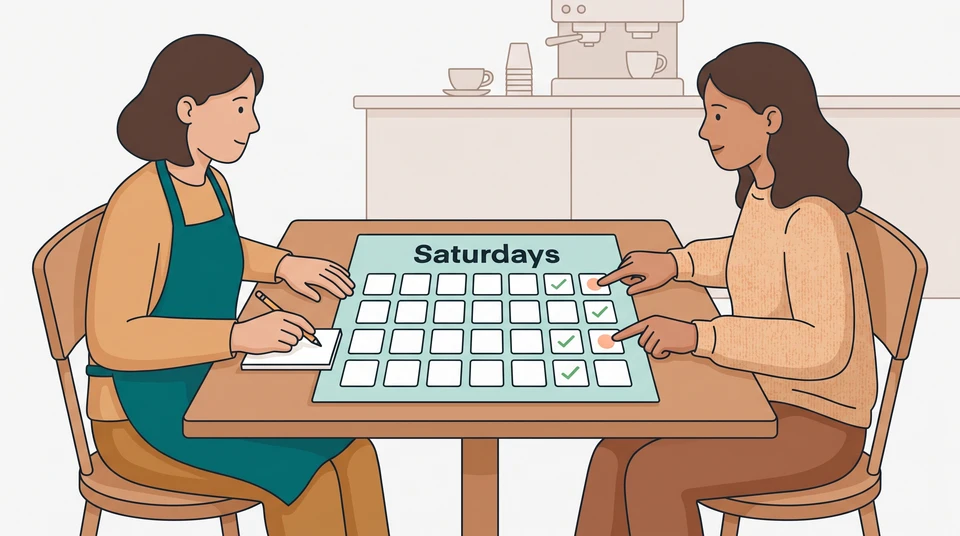
Before you make an offer, put the role’s required shifts beside the candidate’s stated availability. Separate the usual weekly pattern from any dates they already have booked. Then name the person who will resolve any remaining gap.
You can do this in a short conversation and a few notes. You don’t need a score, an availability quiz or a promise that someone will always be free.
Write the real coverage requirements
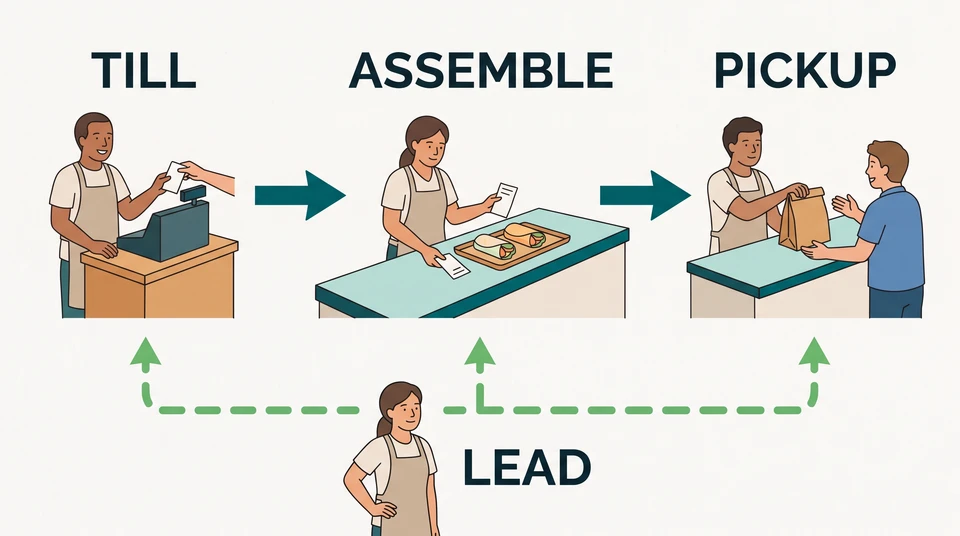
Start with the work the new person would actually cover. Write the role, days, start and finish times, and location. Include setup or closing time—not just the hours customers are there. Mark which shifts are essential to this vacancy and which you could genuinely change.
For example, suppose Mia manages a cafe and is hiring a counter team member for Wednesday, 7am–1pm, and Saturday, 8am–2pm. Saturday service starts at 9am, but the role includes an hour of setup. Mia needs to explain the 8am start before asking whether the shift works for someone.
If Saturday coverage is the reason you’re hiring, say so. If a different pattern is possible, explain what you can consider. Don’t ask for seven-day availability when the job only needs two specific shifts.
For Australian venues, Fair Work’s hiring guidance recommends working together to agree hours and rostering in advance. Treat this conversation as preparation for the offer, not a substitute for checking the employment terms that apply to your venue.
Ask for relevant availability
Give the candidate the actual pattern, then ask them to talk it through. Mia could say:
This role covers Wednesday, 7am–1pm, and Saturday, 8am–2pm, at this cafe. Saturday includes setup before we open. Can you work those times regularly? Are there specific dates you already know you can’t work?
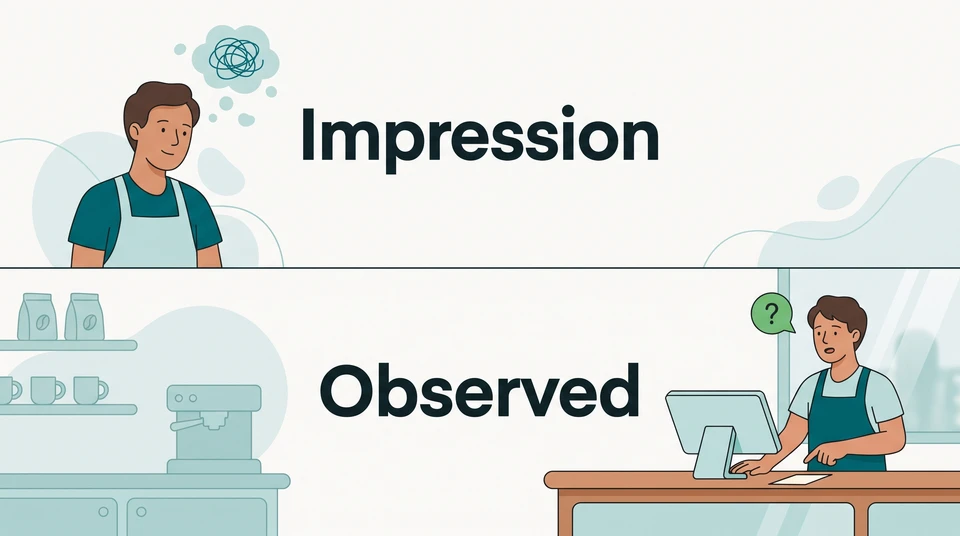
Ask the candidate to confirm their understanding of the whole shift, including setup. Record the times they state, rather than translating “weekends are usually fine” into “available every Saturday.” If their answer is broad, bring it back to the hours you’ve described.
Keep questions about the work, not private reasons. You need to understand which shifts the person can work; don’t press for details about family, health or religion. If a request for an adjustment comes up, pause the fit decision and get advice relevant to your venue rather than treating the request as an automatic rejection.
For Australian hiring, start with Fair Work’s discrimination guidance. US managers should use the EEOC’s guidance on religious inquiries and check applicable state and local requirements too. If you’re unsure how a restriction or adjustment affects the decision, get local advice before proceeding.
Clarify recurring versus temporary constraints
Suppose Sam confirms the Wednesday shift and the full Saturday shift, including setup. Sam has two Saturdays already booked: 14 and 28 November 2026. Those dates are exceptions to the regular pattern—not a statement that Sam can never work Saturdays.
Mia should confirm both dates and ask whether Sam means the whole shift is unavailable on each one. She doesn’t need the private reason. She then has a practical question to resolve: can the cafe cover those two shifts without leaving another part of service short?
Compare that with a different answer: “I can’t work Saturdays on a recurring basis.” That leaves the vacancy’s regular Saturday requirement unresolved. Mia would need to work through whether the role’s pattern can genuinely change and seek advice on any adjustment question before deciding. She shouldn’t record either answer as an automatic pass or fail.
Don’t turn two exceptions into a permanent restriction. Equally, don’t write “Saturday fit confirmed” while assuming another manager will somehow cover the dates later.
Record the agreed understanding
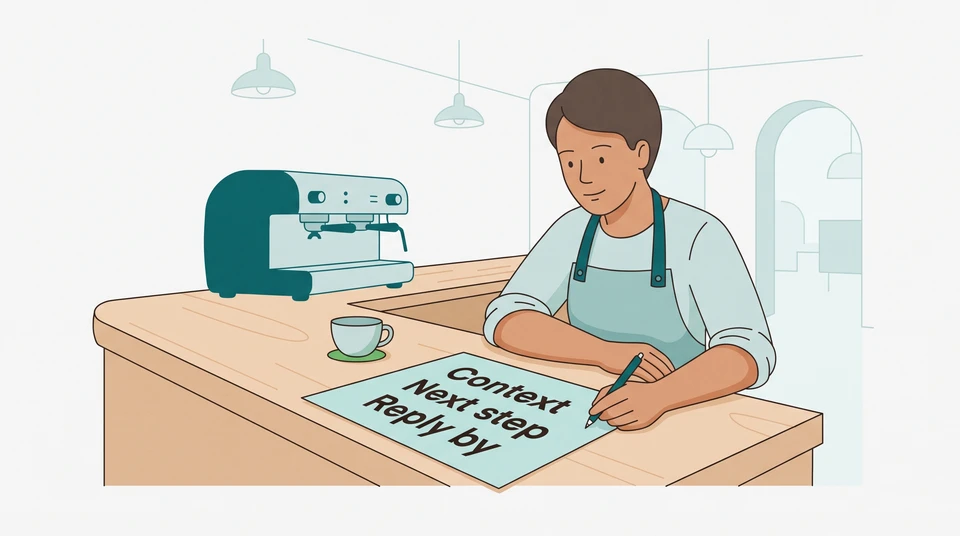
Keep one short shift-fit note with the candidate’s role details. Separate what the role needs, what the candidate said and what you still need to decide. For Mia’s example, the note could read:
- Required coverage: counter role at this cafe; Wednesday, 7am–1pm, and Saturday, 8am–2pm. Saturday setup is included.
- Stated recurring availability: Sam confirms both full shifts.
- Temporary exceptions: Sam cannot work either full Saturday shift on 14 or 28 November 2026.
- Open question: can the current team cover both dates without creating another gap? Not yet confirmed.
- Next owner and action: Mia checks the two dates with the shift lead, then follows up with Sam by Tuesday, 20 October, before an offer decision.
When you read the note back, ask the candidate to correct anything you’ve misunderstood. Their confirmation of the note is not acceptance of an offer, and it doesn’t promise unlimited future availability.
If coverage remains unresolved, say what you’re still checking and give a new follow-up time. Don’t make an offer on the assumption that the candidate will cancel their bookings or that the first roster will fix the conflict.
You can start the coverage check on paper or map your required shifts in the free schedule maker. It’s a manual editor that saves in your browser, with no account or email needed to start. It doesn’t collect candidate availability, run AI or share a cloud roster. Keep applicant details out of a shared-device planning example.
When you want to keep role and candidate details together, explore CrewCentral Hiring. Your team makes the hiring decisions; it doesn’t screen candidates for you. After an accepted hire, the connected workspace brings hiring, onboarding, training and scheduling together. The workspace requires an account; its AI scheduling drafts still need a manager’s review before publishing.
Before the offer, leave the next manager with a clear answer: the shifts needed, the availability stated, any dated exceptions and one named person responsible for the question still open.