Keep a reserve candidate informed without overpromising
Be clear when the job has been accepted, offer one owned update and close the conversation without asking a candidate to hold their calendar.
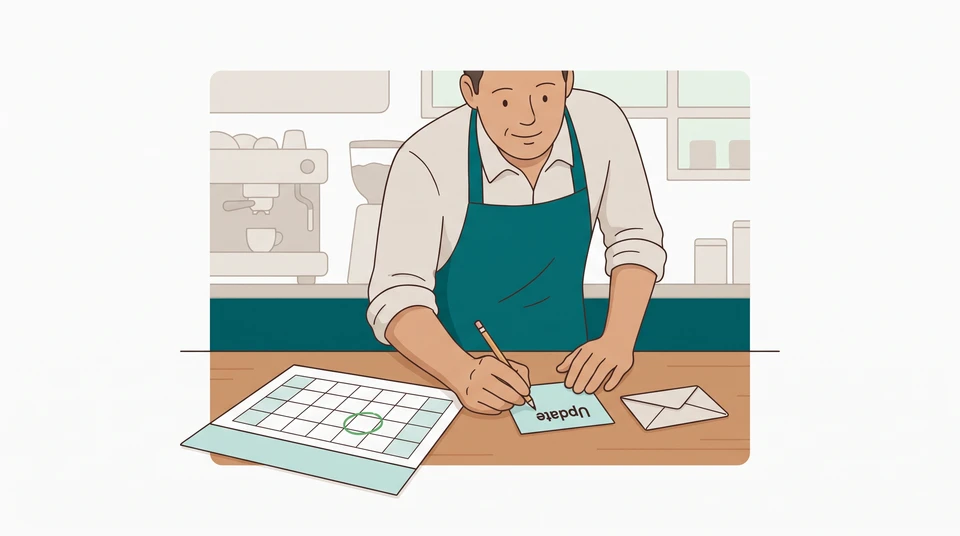
Someone has accepted your server role, but their first day is still ahead. Another candidate would like an answer. Tell them where things stand, ask whether they want one more update and name the manager who will send it. Do not ask them to keep their week free for a job you cannot offer.
The aim is not to keep someone waiting just in case. It is to give them enough information to make their own plans.
Establish the actual vacancy status
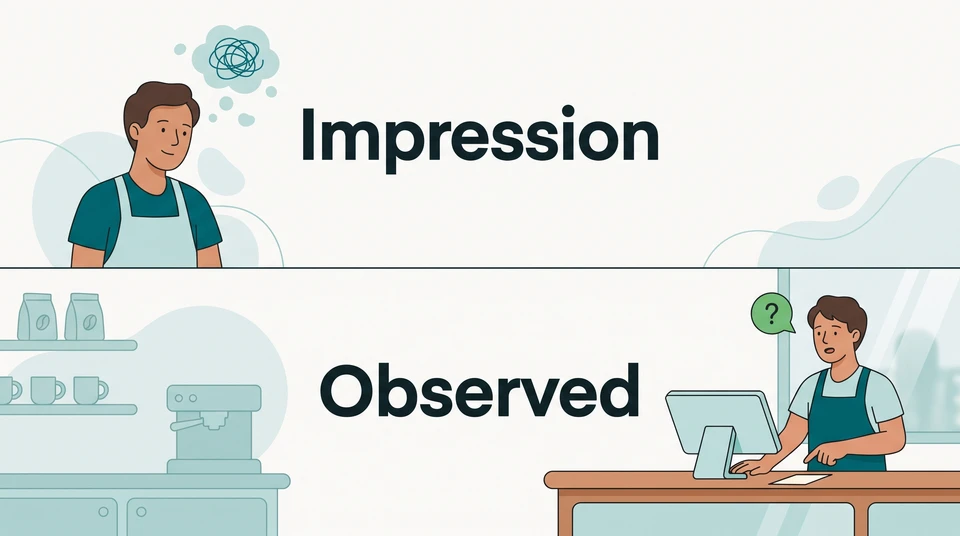
Before contacting the reserve candidate, the hiring manager checks the accepted offer, agreed start date and whether there is any separate opening. If the only role has been accepted, do not describe it as still available. A start date in the future is not a reason to reopen that person’s agreed job.
Keep the preferred hire’s identity and personal circumstances out of the update. You can explain the role’s status without explaining who accepted it or speculating about whether they will turn up.
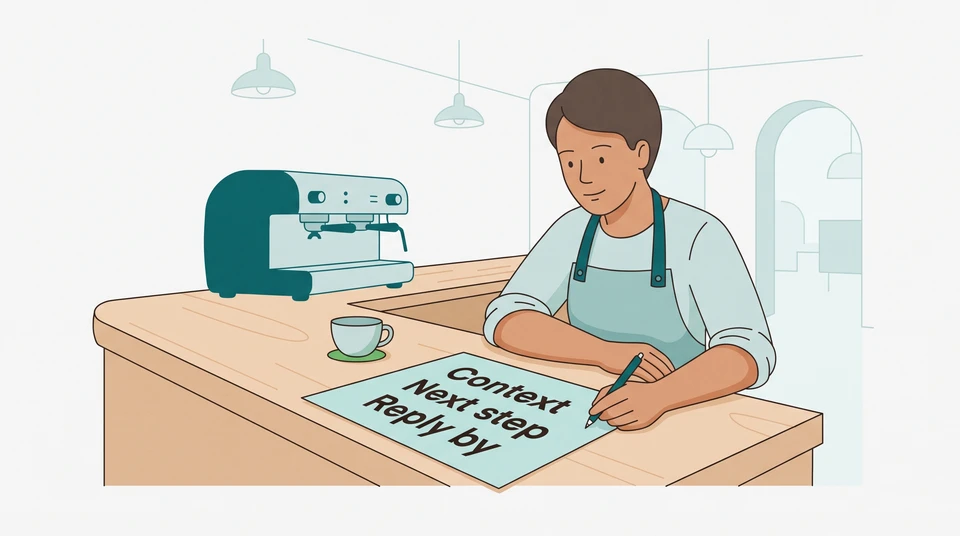
Write a short decision note for yourself: role, current status, next update owner and date, and what would end the conversation. Keep it with the hiring correspondence, not on the staff noticeboard. This is a manager’s reminder, not a second offer or a place to record guesses about either candidate.
Explain uncertainty plainly
Use the contact details the candidate gave you for hiring. Name the venue and role, explain that someone else has accepted, and say you cannot promise another opening. Ask whether they would like an update by a specific date. Make it easy to say no and continue looking elsewhere.
Avoid “you’re next in line,” “keep next week open” and “we’ll definitely have something soon.” Replace those promises with the one thing you control: when you will get back to them. Do not ask for unpaid shifts, training or a commitment to wait.
If AI helps write the message, the hiring manager checks every sentence before sending. Remove invented vacancies, dates and promises. Send it yourself; a draft is not a delivered update.
A cafe manager’s sample update
Suppose Priya manages a cafe with one server opening. The chosen candidate has accepted and is due to start on Monday 26 October 2026. Jamie also interviewed well, but Priya has not offered Jamie a job. There is no second opening.
On Monday 19 October, Priya checks those facts and sends this sample message:
Hi Jamie, it’s Priya from Willow Cafe. Someone else has accepted the server role, so I don’t have an offer for you. Their start is still ahead, but I can’t promise another opening. Would you like me to send you a status update by Thursday 22 October at 3 pm, cafe local time? There’s no need to keep dates free or pause your job search. If you’d rather leave it here, that’s completely fine. Thanks again for meeting with me.
Jamie replies that an update would be welcome. Priya records that choice and sets her own reminder. Jamie has agreed to receive an update—not to take a job, hold a shift or remain available.
Agree on an update point
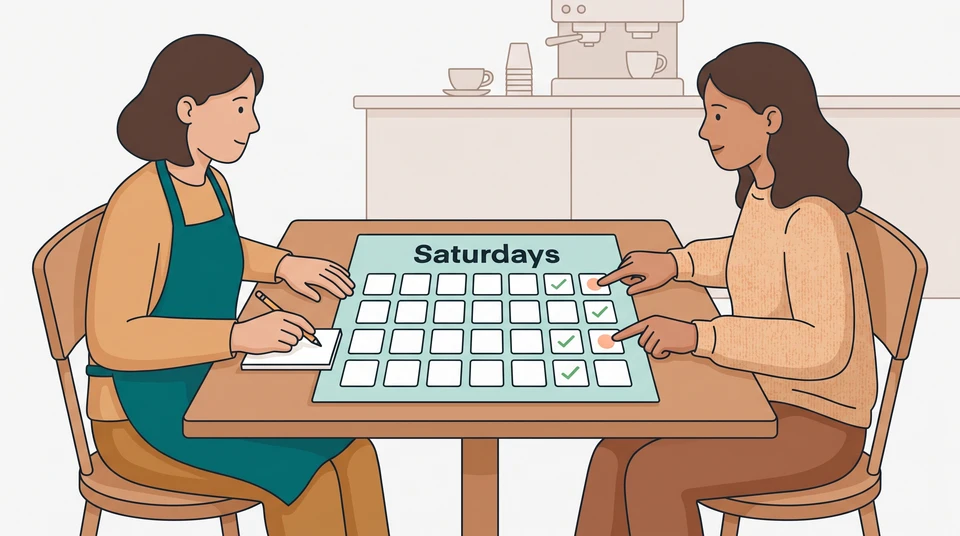
Choose a date you can actually meet. It should be a promise from the manager to send information, not a deadline for the candidate to prove interest. Ask whether that timing works for them. If they prefer to close the conversation now, thank them and stop the updates.
Do not treat silence as agreement to ongoing contact. If they do not reply to the invitation, leave the update arrangement unconfirmed; do not start a sequence of “still interested?” messages. This is different from following up on an unanswered next step, where you still have an active hiring step to arrange.
Keep the reminder small enough to use between services. Priya’s sample decision note reads:
- Role and status: one server position; accepted by another candidate; start planned for 26 October. No second vacancy.
- Candidate’s choice: Jamie requested one status update. No offer or availability commitment.
- Owner and next action: Priya sends the update by 22 October, 3 pm, cafe local time—even if nothing has changed.
- Closeout: tell Jamie when recruitment is closed. If a genuine vacancy opens, first check the role and ask whether Jamie wants to discuss it.
On Thursday, the role is still accepted and the start is still pending. Priya keeps her promise rather than stretching the silence:
Hi Jamie, here’s the update I promised. The server role is still accepted by another candidate and I don’t have another opening to discuss. I’ll close our conversation here rather than ask you to keep waiting. Thank you for your time, and all the best with your search.
One honest update can end the arrangement. If both people want a further update instead, agree a new date explicitly; do not roll it forward without asking.
Close the loop when the decision changes
If the chosen hire starts or the vacancy closes before your promised update, tell the reserve candidate then. Say the role is filled and thank them. Do not leave them expecting a call after you have finished recruiting.
If a real vacancy later opens, check its hours, duties, pay and terms before contacting anyone. Ask whether the person wants to discuss that current role and recheck their availability. A previous “yes, send me an update” is not acceptance of a future offer.
Keep the two decisions separate: communicating with the reserve candidate, and dealing with the accepted hire’s existing commitments. Do not use a reserve list as permission to withdraw an accepted offer. In Australia, Fair Work explains that employment contracts can be written or verbal. In the US, get advice on the state, city and contract rules relevant to your venue before changing an accepted arrangement. These sample messages are not an offer-withdrawal process.
Keep role and candidate details together so the manager handling recruitment can see the context. CrewCentral Hiring organizes candidates around roles and carries the chosen person’s details into onboarding; your team makes the hiring decisions. You still own the reserve candidate’s message, reply check and reminder. For the person who has accepted, prepare onboarding, training and their first schedule together—without treating the reserve candidate as confirmed shift coverage.
Start with the tools you already have: the role record, the candidate’s reply and one manager reminder. If you want those hiring details organized alongside your team’s next steps, explore CrewCentral Hiring and its free-start option. Check the account details before relying on particular workspace features.