AI rostering, with you in control
Generate a draft around availability, role skills, and coverage. Make your changes and publish when the week looks right.
Plan bartenders, barbacks, door, floor, and close coverage for late nights and weekend peaks. Keep the schedule clear before the Friday scramble starts.
Cafés, restaurants, bars, retail teams, and service crews: give your team a clear plan and give yourself less chasing to do.
Save your roster in CrewCentral, then bring availability, shift changes, and check-ins into the same place.
Sign up for free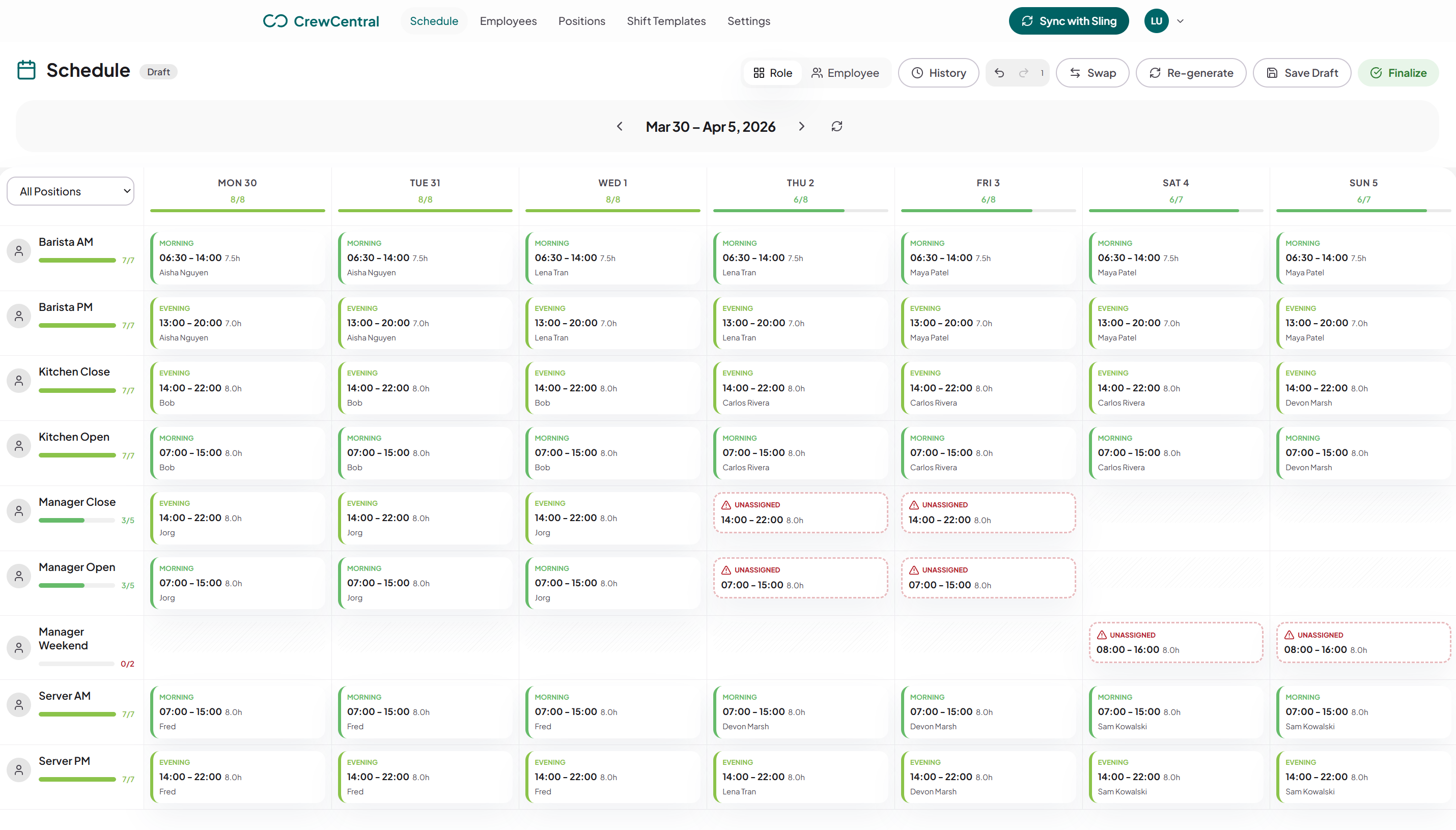
Keep the people and the details behind every shift together, from the first draft to the last check-out.
Generate a draft around availability, role skills, and coverage. Make your changes and publish when the week looks right.
Staff keep their availability and time off up to date. You plan with the full picture, without piecing together messages.
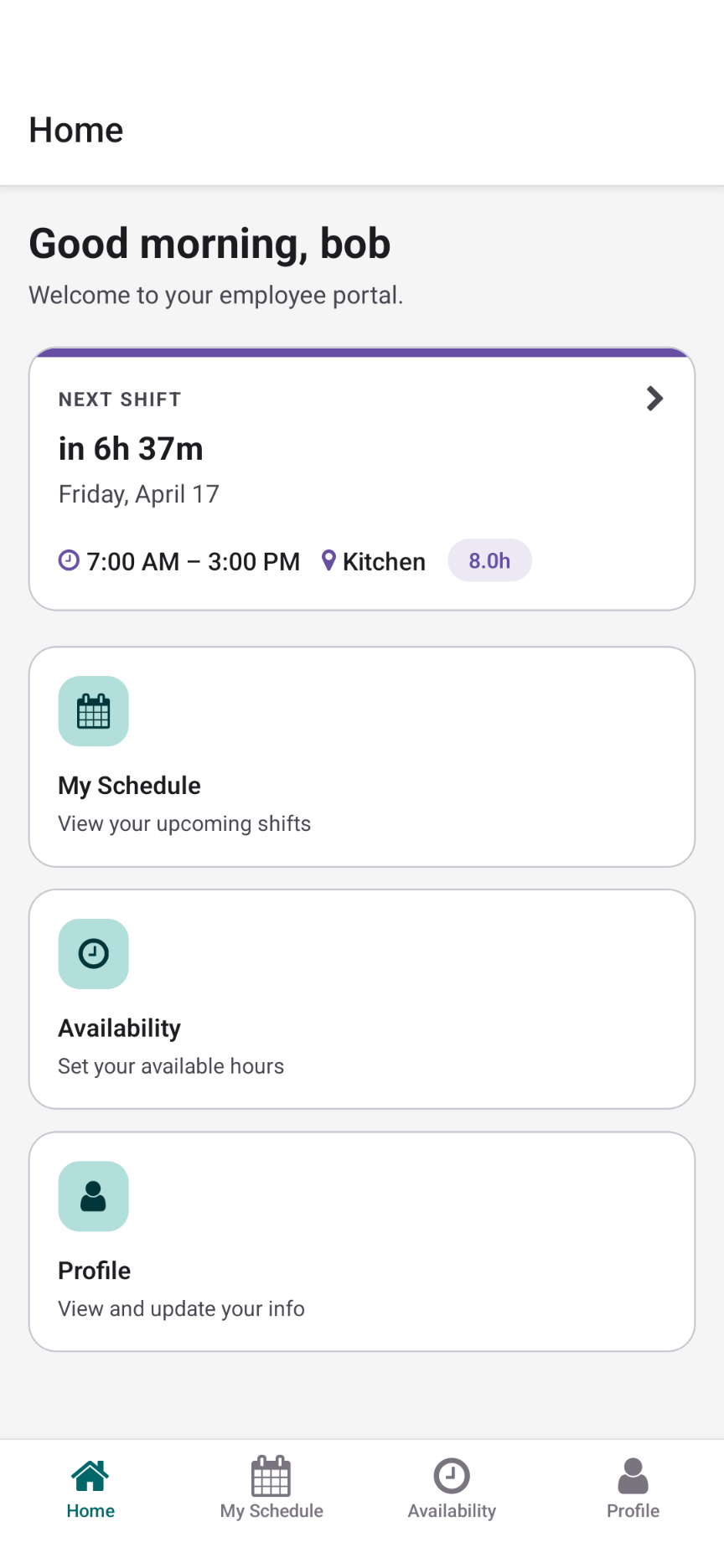
Shifts, availability, and change requests in one place on your team’s phones. Everyone knows where to find their week.
Staff clock in, clock out, and record breaks. See attendance and worked hours alongside the shifts you planned.
Save and publish your roster for the whole team. Employees see their shifts, with email updates when notifications are enabled.
Eligible employees can request open shifts and arrange swaps. You review the requests and keep the final say on coverage.
Start right here in the free editor. When you’re ready to save and share with your team, your roster comes with you.
Back to your rosterReplace the example people, adjust positions and shift times, and get your week into shape.
Choose Share roster in the editor. Your people, positions, templates, and shifts move into CrewCentral.
Invite your employees, collect availability, and publish the finished roster for everyone to see.
Bar schedules often cross normal office hours. The template keeps close shifts and weekend peaks explicit so managers can spot gaps before publishing.
Assign late and closing shifts to the people who can cover them. Create a CrewCentral account when you need employee availability and approved swaps alongside the roster.
The editor is free to use without an account. Sign up when you want to save and publish with your team.
Yes. You can add late and overnight shifts, including closing coverage. Review the hours and local rules before sharing the schedule.
Common roles include bartender, barback, floor, door, glassie, and manager. Add only the roles your venue actually needs.
You can move and swap assignments in the free editor. Create a CrewCentral account to let employees request swaps and cover, review those requests, and publish the roster. The browser tool does not notify employees.
Create your free CrewCentral account and give your people one place to see shifts, update availability, and stay ready for work.